

Moving Servers Across the Atlantic: From 2 Hours to 6 Minutes

The Short Version
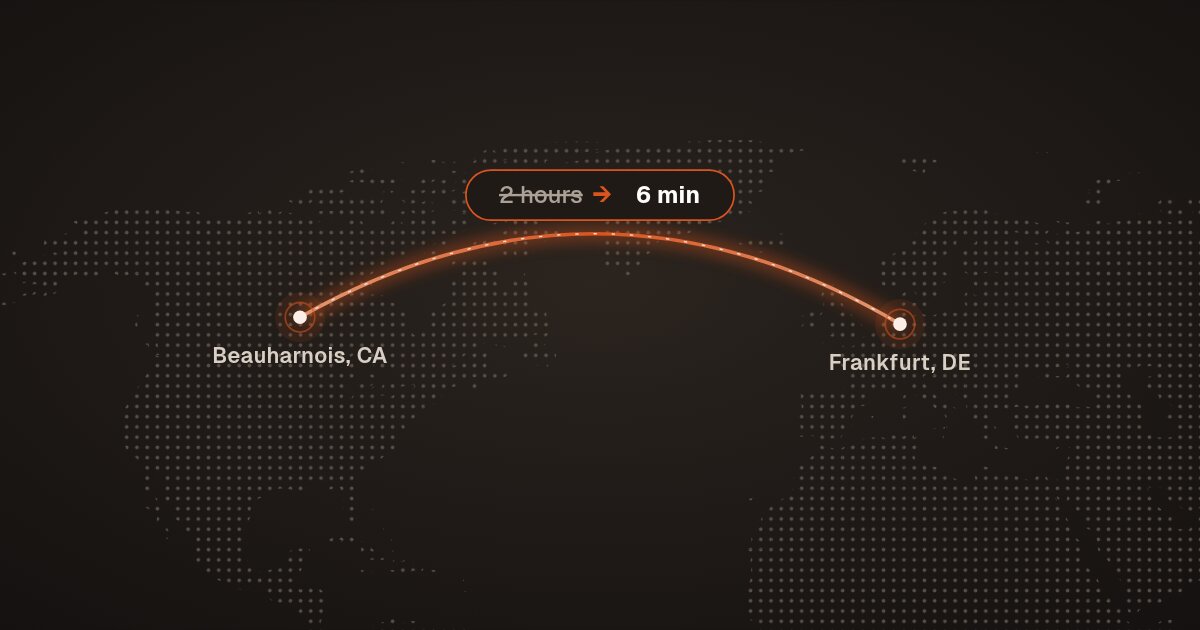
Moving a server between our Canada and Germany locations used to crawl. One move this week, a 4.6 GB server with about 53,000 files, was on track to take around two hours. After a network change on our nodes, the same move finished in six minutes, and every file arrived byte-for-byte identical.
The change is now live on every paid hosting node. Nothing changes for you, except that moving between locations is much faster.
Why Long-Distance Moves Were Slow
When we move a server, its files travel from the old node to the new one over a single TCP connection. TCP can't see the network, so it has to guess how fast it can send. The method Linux uses by default, called CUBIC, treats every lost packet as a sign that the network is overloaded: it cuts its speed sharply and then climbs back slowly.
A round trip between Canada and Germany takes about 94 milliseconds, so each adjustment takes about a tenth of a second to show its effect. Recovery is slow, and a few lost packets are enough to keep a connection stuck at a crawl.
That's exactly what we found. When we tested the route with eight connections at once, six of them ran at around 240 Mbit/s with no lost packets. The other two lost a few packets in the first second and never recovered, sitting at 5 to 20 Mbit/s for the whole test. Our slow move had landed on one of those unlucky connections and was running at about 0.6 MB/s.
The route between our locations was fine. The way TCP reacted to a little packet loss on it was not.
What We Changed
We switched every paid node to BBR, a congestion control method developed by Google and built into Linux. Instead of reacting to each lost packet, BBR keeps measuring how fast data is actually being delivered and how short the round trip can be, then sends at that rate. Occasional packet loss on a long route no longer drags the speed down. Lost packets are still sent again; BBR just doesn't slow down because of them.
We also raised the TCP buffer limits. A connection can only have as much data on the way as its buffers allow, and on a 94 ms route the old limit capped a single connection at about 256 Mbit/s, even with no packet loss at all.
The change took effect immediately. No server was restarted and nothing went offline.
The Result
| Before | After | |
|---|---|---|
| Transfer speed, Canada → Germany | ~0.6 MB/s | ~13 MB/s on average |
| 4.6 GB server, ~53,000 files | ~2 hours (projected) | 6 minutes |
These numbers come from one real move. How long yours takes depends on the server's size and how busy the nodes are. Moves between two nodes in the same region were already quick; the big gain is on long routes like this one.
Your Data Stays Safe
Faster doesn't mean riskier. BBR only changes how fast data is sent, not what is sent:
- TCP still resends every lost packet and puts everything back in order.
- Encryption (TLS) rejects anything that arrives altered.
- A SHA-256 checksum of everything sent is checked by the receiving node. If it doesn't match, the move fails.
- Your server stays on the old node until the new copy is confirmed. Nothing is deleted before that.
For this move we also compared every file on both nodes by hand: all 52,891 matched exactly.
What's Next
With the network out of the way, the slowest part of a move is now compressing the files before they're sent. That's what we're looking at next.
Doing the Same on Your Own VPS
If you manage your own Linux server, for example an Orihost VPS, you can turn on BBR yourself. It helps most when your users or other servers are far away. Check what you're using now:
bashsysctl net.ipv4.tcp_congestion_control
To switch, create /etc/sysctl.d/90-bbr.conf with:
ininet.core.default_qdisc = fq
net.ipv4.tcp_congestion_control = bbr
Then load it:
bashsysctl -p /etc/sysctl.d/90-bbr.conf
New connections use BBR straight away, with no reboot. To undo it, delete the file and run sysctl -w net.ipv4.tcp_congestion_control=cubic.
Want Your Server Somewhere Else?
If your players or users are on another continent, a server closer to them means lower ping. Contact our support team to ask about moving it.